 Ativa Local
Restaurants
Starters, mains, desserts and drinks in sections, with photos, so customers can choose before calling the waiter.
Customers point their camera at the QR code on the table and see the menu on their phone, with photos and prices. It can be standard, with video or in 3D. When a price changes, we change it for you, and the QR code stays the same.
Updated on · by Ativa Local
The Ativa Local digital menu is your restaurant's menu on a page built for phones, opened from a QR code on the table or from a link. Dishes are organised into sections, with prices, photos and allergens, and customers don't have to install anything. It can be standard, with video for the dishes, or in 3D, where customers turn the dish with a finger. The price is tailored to each restaurant: the proposal shows the set-up price and the monthly fee separately, and the monthly fee covers hosting and changes to prices and dishes.
Starters, mains, desserts and drinks in sections, with photos, so customers can choose before calling the waiter.
Breakfasts, savoury snacks, cakes and drinks, in a short list that's easy to read standing at the counter or on the terrace.
Cocktails, wines, beers and snacks, with prices always right, even when the menu changes at the weekend.
We deliver the QR code ready to print. Customers point their camera and the menu opens in the browser, on iPhone and Android, with no app and no sign-up.
Send us the change on WhatsApp and we update the menu. The QR code doesn't change, so you don't reprint anything.
Each dish shows the allergens you tell us, so customers see them before ordering and the information is always on the menu.
Three ways to show your dishes on the customer's phone. Try it here: switch sections, watch the videos and turn the dish with your finger.
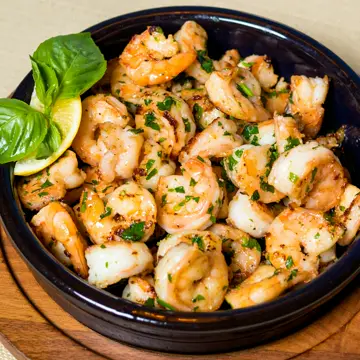 Garlic prawnsContains: crustaceans
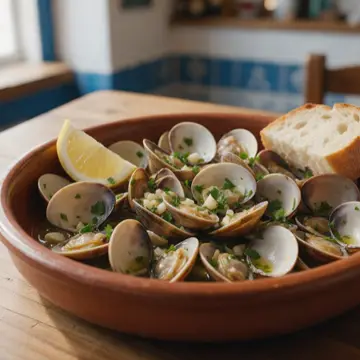 Bulhão Pato clamsContains: molluscs
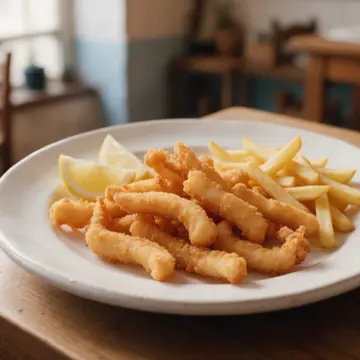 Fried cuttlefishContains: molluscs, gluten
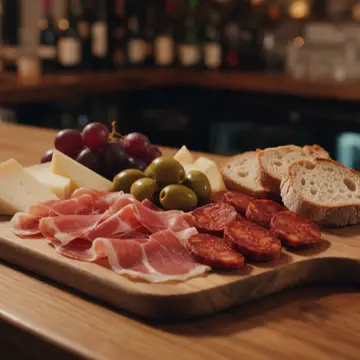 Cheese and charcuterie boardContains: milk
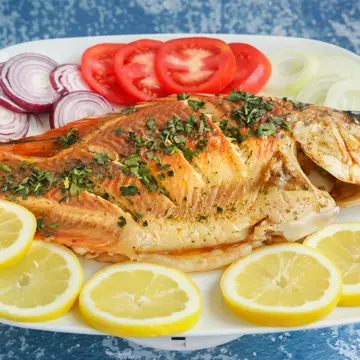 Grilled sea breamContains: fish
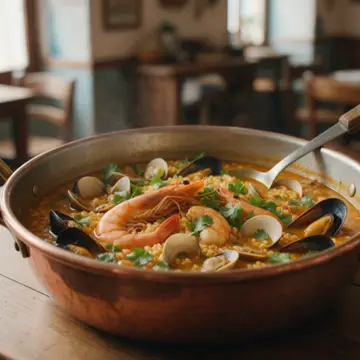 Seafood riceContains: crustaceans, molluscs
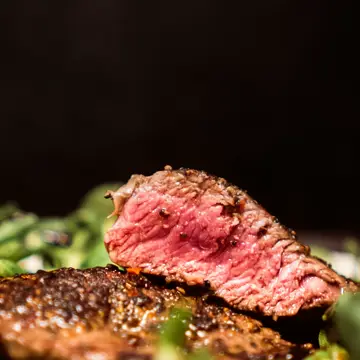 Sirloin steakWith chips
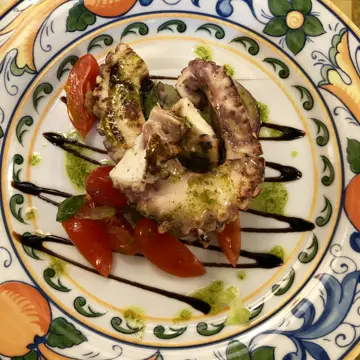 Grilled octopusContains: molluscs
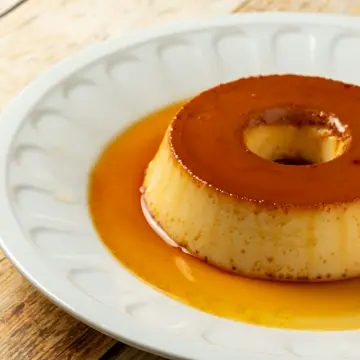 Egg puddingContains: eggs, milk
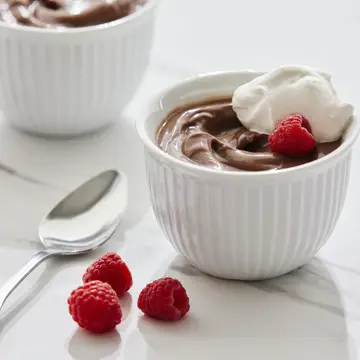 Chocolate mousseContains: eggs, milk
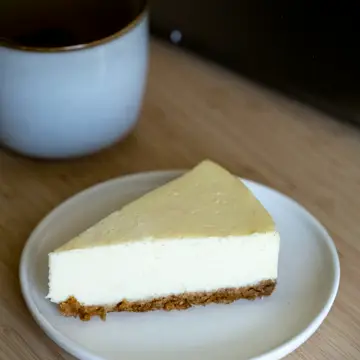 CheesecakeContains: gluten, milk
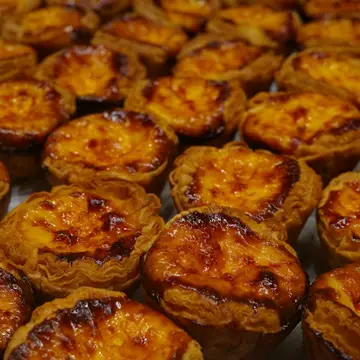 Pastel de nataContains: gluten, eggs, milk
The full menu, with photos and allergens. Easy to read and quick to open.
Grilled over charcoal, in full view of the guests.
No allergens to declare
The dish comes to life. The video plays on its own, with no sound, and makes people want to order.
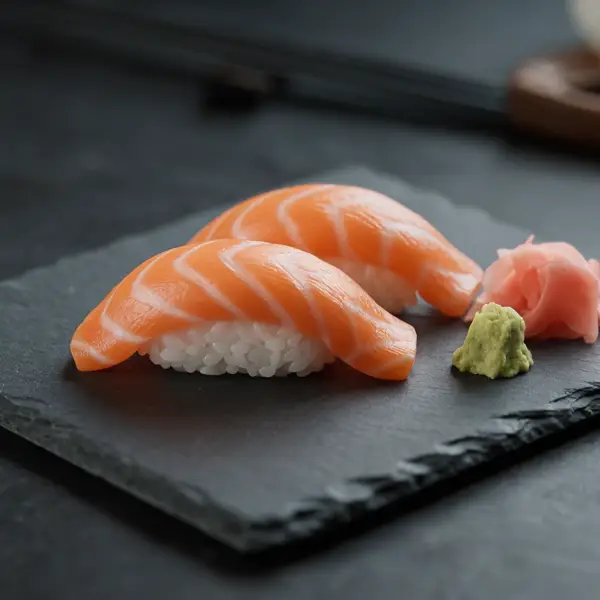 3D
Drag to rotate
Two pieces, with wasabi and ginger.
Contains: fish
Customers turn the dish with a finger and see it from several angles before ordering.
Illustrative examples: the restaurant, dishes, allergens, photos and videos are examples. Your menu will have your own.
Three examples of how it can look: a seafood restaurant, a sushi restaurant and a café.
 Bulhão Pato clamsGarlic, coriander and lemonContains: molluscs
 Fried cuttlefishWith chips and saladContains: molluscs and gluten
 Seafood riceFor two peopleContains: crustaceans and molluscs
 House platterAssorted sushi and sashimiContains: fish, soy and sesame
 GyozaFive piecesContains: gluten and soy
 Salmon temakiSalmon, rice and seaweedContains: fish and sesame
 Pastel de nataHomemadeContains: gluten, eggs and milk
 Ham and cheese toastieHam and cheeseContains: gluten and milk
 GalãoMilky coffee in a tall glassContains: milk
Illustrative examples: the dishes, allergens and photos are examples. Your menu will have your own.
On WhatsApp: a photo of the menu, a PDF or a typed list, with prices, allergens and any photos you have.
We organise the dishes into sections, with names, prices, photos and allergens, designed to be read on a phone.
We show you the menu before it goes live and adjust whatever is needed.
You get the print-ready QR code for your tables and the link for social media. Prices and dishes change whenever you ask us.
The price is tailored to your restaurant. Show us your menu and we'll show you an example with your restaurant, with a free proposal and a fixed price before we start.
Ask for my menu on WhatsApp Want the full restaurant website?No. Customers point their phone camera at the QR code on the table and the menu opens in the browser, like a normal web page. It works on iPhone and Android.
Three: the standard menu, with photos and allergens; the video menu, where the dishes come to life; and the 3D menu, where customers turn the dish with a finger. All of them open from the QR code, with no app. Video and 3D can be used only for featured dishes, and that is written into the proposal.
If you already have them, we use yours. If not, we work out with you how to make them, and that is written into the proposal.
It depends on what your restaurant needs. We send you a free, written, tailored proposal with a fixed price before we start. The proposal shows the set-up price and the monthly fee separately; the monthly fee covers hosting and changes to prices and dishes. No minimum term.
Send us the changes on WhatsApp and we take care of them. Changes to prices and dishes are included in the monthly fee, and replacing photos is agreed in the proposal. The QR code stays the same, so you don't need to reprint anything.
Yes. The menu has its own link, which you can add to your Instagram bio, your website, Facebook and your Google Business Profile, as well as the QR code on the tables.
Your current menu with prices and allergens, as a photo, a PDF or typed out, and any photos of your dishes. We organise everything into sections and show you the menu on a phone before it goes live.
Yes. If you want more than the menu, such as a gallery and pages about the restaurant, we build restaurant websites with a tailored proposal.
We reply on the same working day.